Mobile Tools for Freelancers: A 2026 Roundup
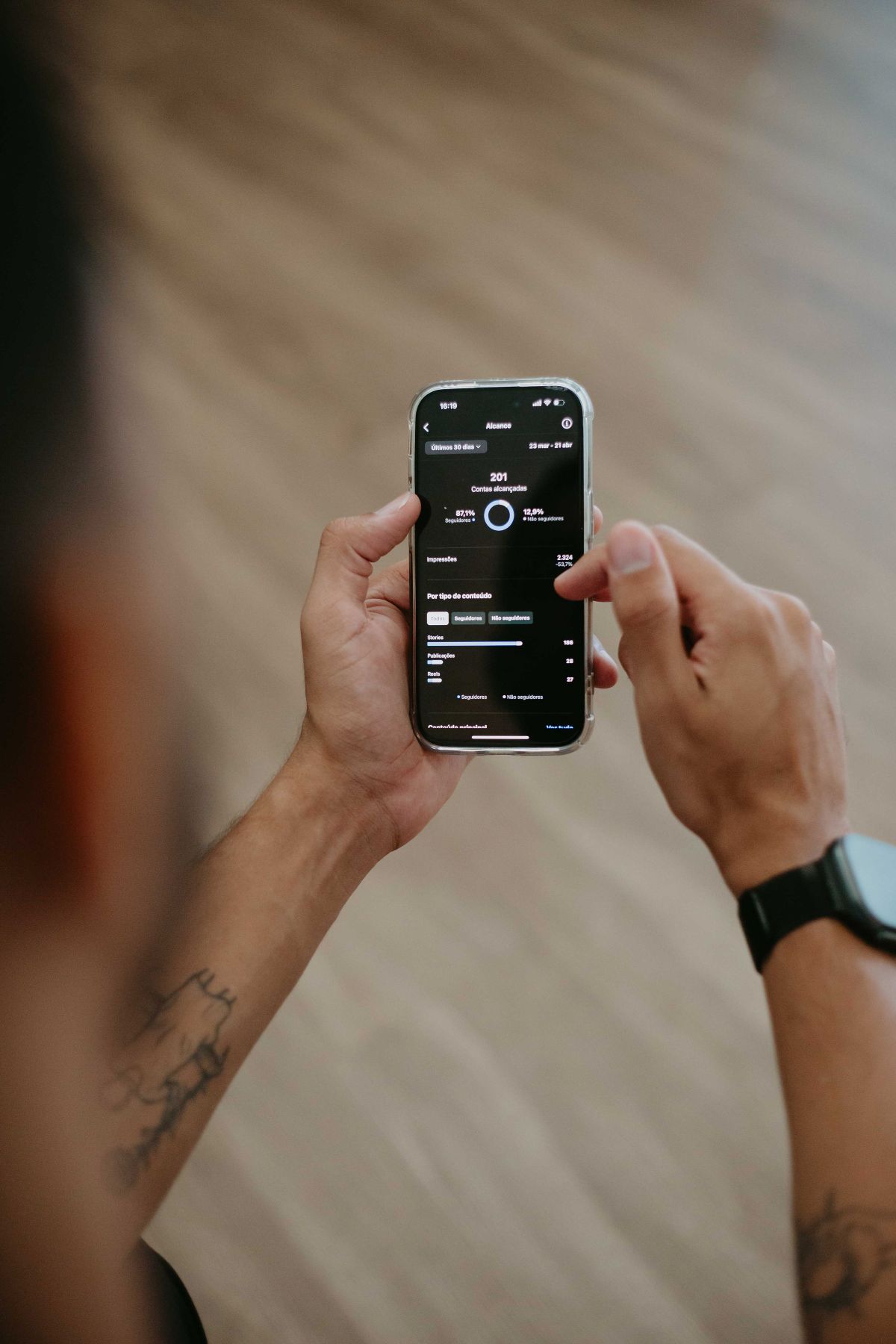
Most freelancers live on their phone
Your office is wherever you are, a coffee shop, a client's site, the back of a car between shoots. Yet most business software is still designed for a desk, treating the phone as a viewing port for what was already entered somewhere else.
The right tools flip that. Here's what to look for in 2026, organized by the workflow you're trying to fix.
Capture on the go
The 30 seconds after work is finished are when accuracy is highest. A tool that takes longer than that to capture an invoice, an add-on, or a quick note won't get used.
Look for:
- One-tap photo/file capture, auto-tagged by client and date
- Voice-to-text descriptions if typing on a phone is slow
- Offline mode (signal drops, work doesn't)
- Auto-sync when you reconnect
Tools to look at: dedicated invoicing apps with mobile capture (like ours), or general note tools paired with whatever you use for billing.
Client communication
Clients don't want to install your app. They want a link.
Look for:
- Magic-link approval flows (no login)
- Email and SMS delivery
- Branded approval pages so it doesn't feel like a phishing attempt
- A simple "questions?" path back to a real human
Tools to look at: most modern invoicing platforms support magic links. Older accounting tools (Xero, QuickBooks) usually do not.
Proofs and documentation
Files and photos are evidence. They protect you in disputes and accelerate approvals.
Look for:
- Per-client / per-project galleries
- Automatic timestamp metadata
- Easy attachment to invoices and change orders
- A way to share a file set with the client in one click
Tools to look at: cloud storage you already use (Drive, Dropbox), plus invoicing apps that attach files to each line.
Time tracking
The most common pain point and the most common reason people have a fragmented stack.
Look for:
- One-tap start/stop
- Per-client assignment so hours flow into the right invoice
- Export or integration into your invoicing tool
Tools to look at: dedicated time trackers (Toggl, Harvest), or invoicing tools that include lightweight time capture.
Document management
The folder of project files on one laptop is a liability. Cloud-based storage with shared access is table stakes.
Look for:
- Per-client organization
- Shareable links with expiration
- Audit trail on who viewed what, when
- Native integration with your invoicing tool
Tools to look at: most invoicing tools include this, plus general tools like Google Drive or Dropbox.
How to combine them
Most freelancers don't need a single all-in-one tool. They need 2–3 well-chosen tools that hand off cleanly.
A reasonable 2026 stack for a solo operator or small team:
- Invoicing + signatures + client approvals: one app
- Files and proofs: cloud storage, integrated
- Accounting and tax filing: QuickBooks or Xero, fed from the invoicing app
The integrations matter as much as the tools. Avoid anything that requires manual re-entry.
What to evaluate
When picking any of these:
- Will I actually use it on my phone, mid-day, between jobs?
- Does it work offline?
- Can a client approve something without creating an account?
- What's the audit trail?
A tool that fails on any of those will sit unused, no matter how good the marketing site looks.